Capture Cabinet

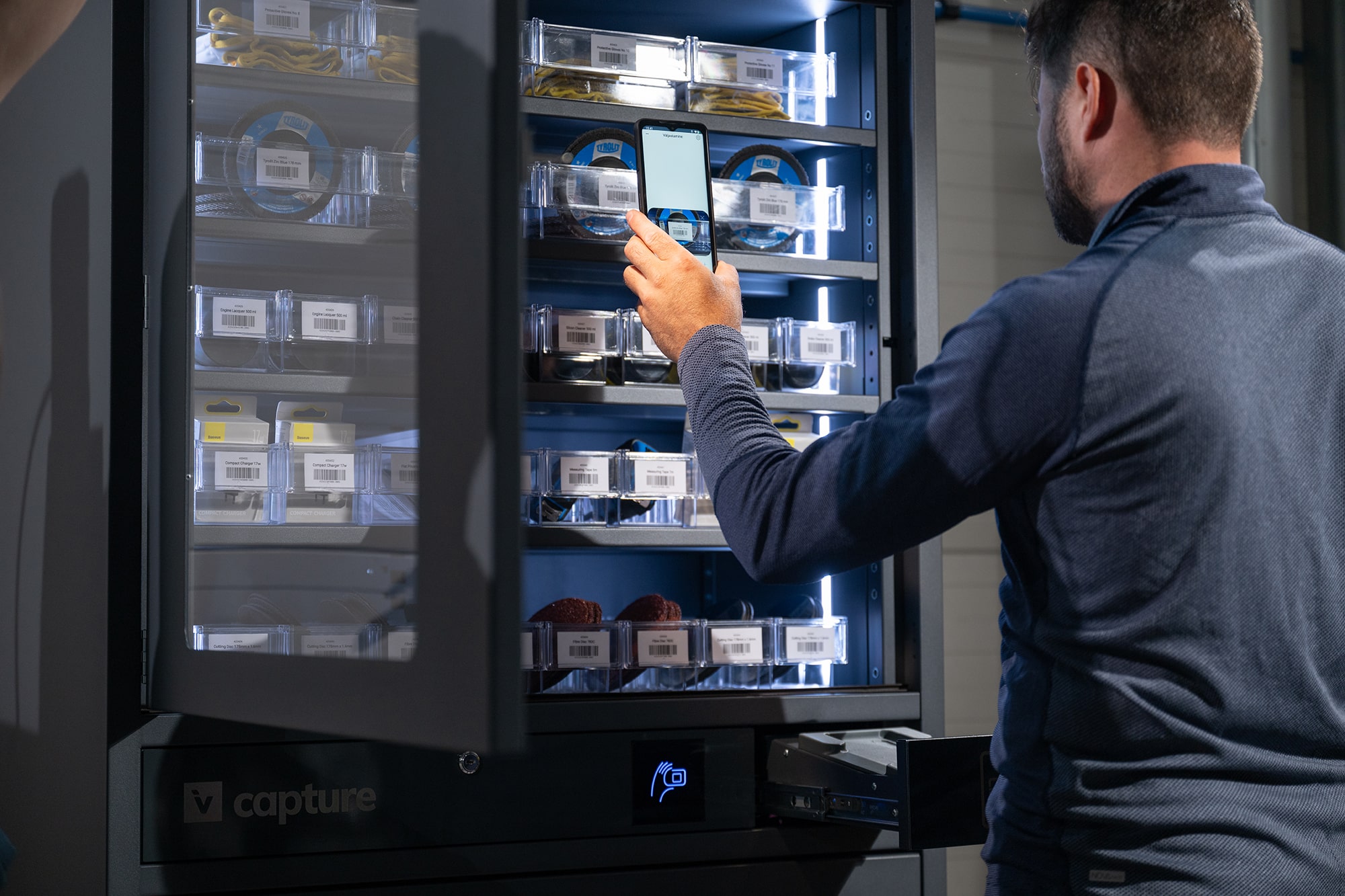
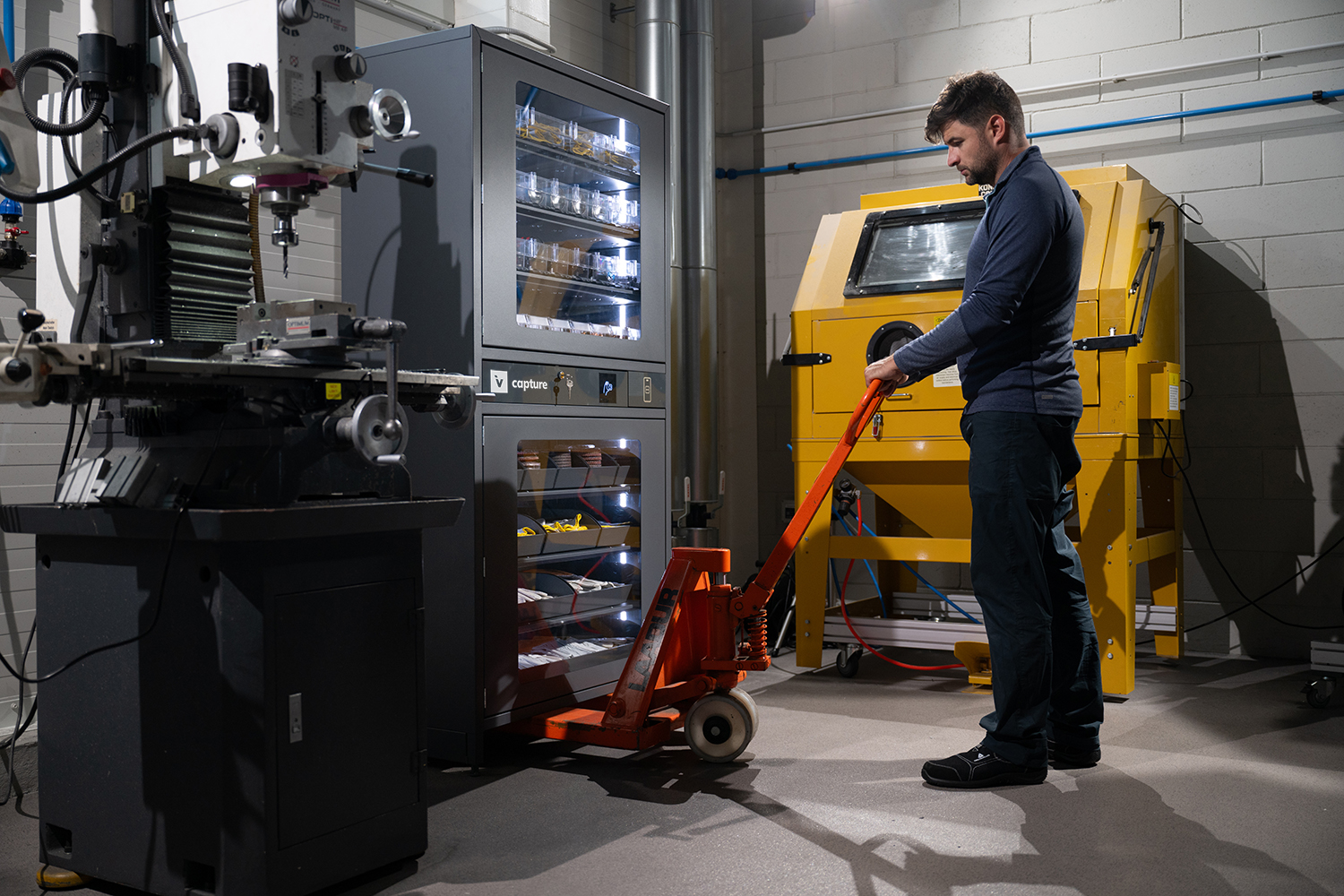
Smartphone-operated vending machine that gives 24/7 access to authenticated users. Scan the goods with the Invendor app.
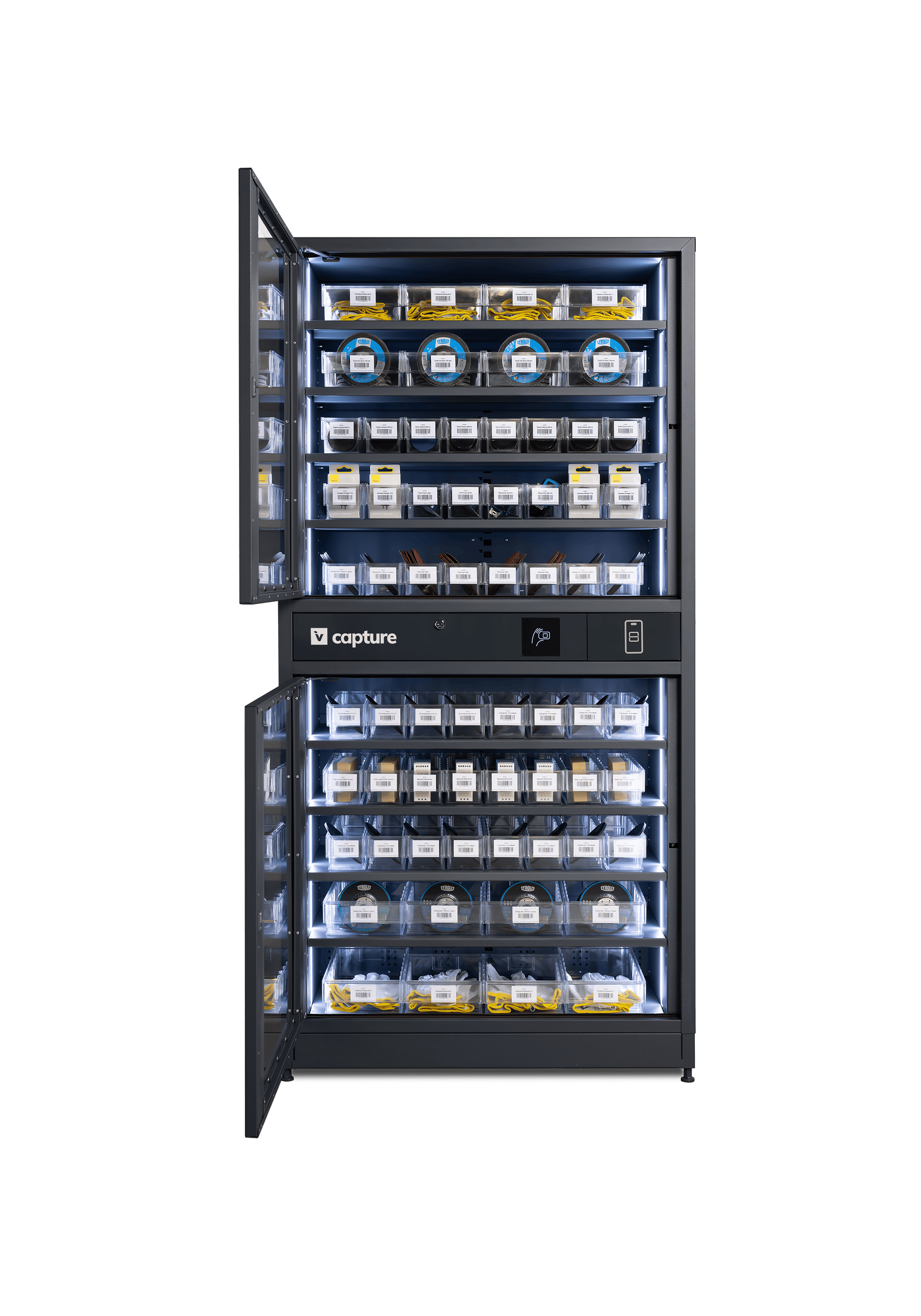
Industrial vending machine with open doors where you can see different consumables on 10 selves.
Customers
  • customer company logo
  • customer company logo
  • customer company logo
  • customer company logo
  • customer company logo
  • customer company logo
  • customer company logo
  • customer company logo
  • customer company logo
play icon

Modular design gives you flexibility

  • Connect new cabinets when volumes increase
  • Invite other parties for a shared cabinet access
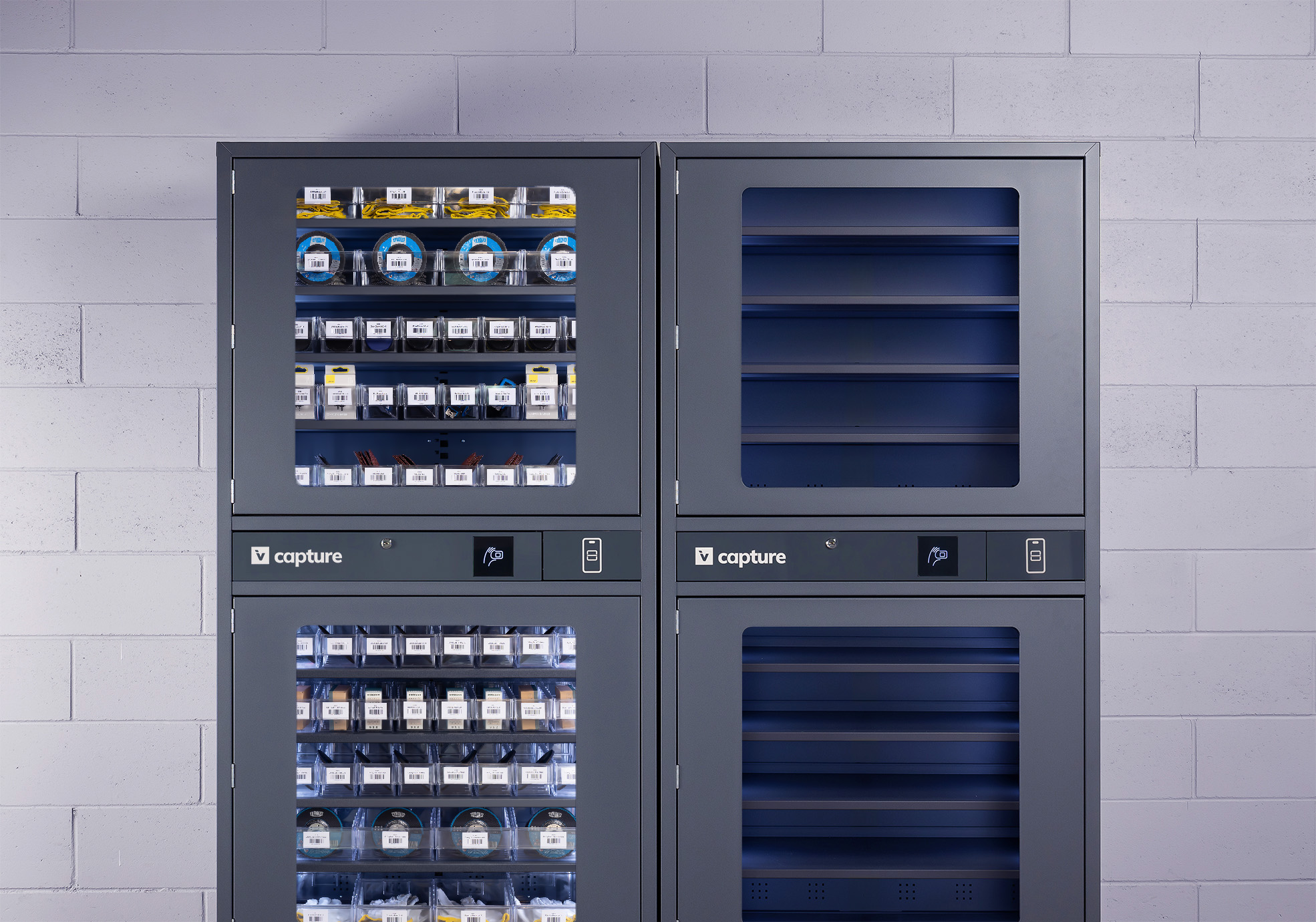
Two Invendor Capture cabinets next to each other. One is filled, second one is empty. The cabinet stands in front of a brick wall.

Cabinet features - click on the dots

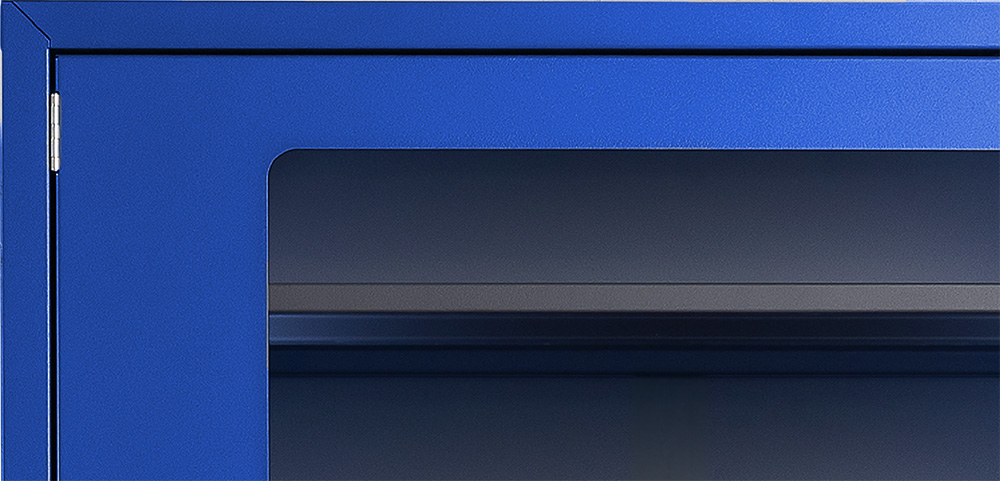
Close-up of the corner of the cending machine which panel is bright blue and in front is a darkened glass.

Customize the cabinet colour
  • Choose your own cabinet colour to match your branding (minimum order quantities apply)
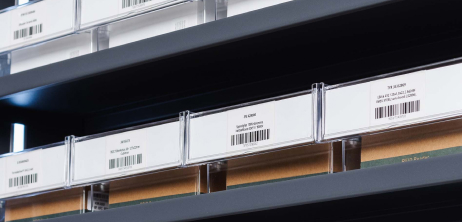
Close-up of a shelf containing small boxes with scannable barcode labels, organized in a storage system.

Organise with containers

  • Adjust the height and the angles of the shelves
  • Best compatible with Treston containers
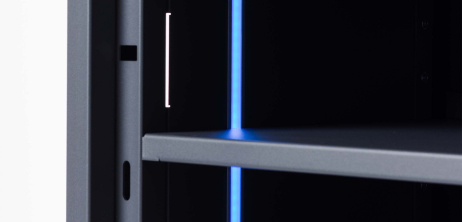
Close-up of a shelf inside what is a slim bright blue LED light.

Adjust LED lights and shelves

  • Bring out your goods and match LEDs with your brand
  • Adjust shelf height and angle for goods in various sizes
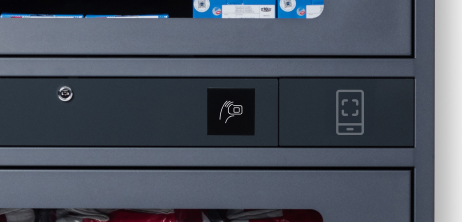
Close-up of a front panel where is an icon of a NFC reader and graphic element of a smartphone.

Access the cabinet with access cards

  • Smart card reader works with both NFC and RFID technology
  • Automatically logs in to the smartphone app
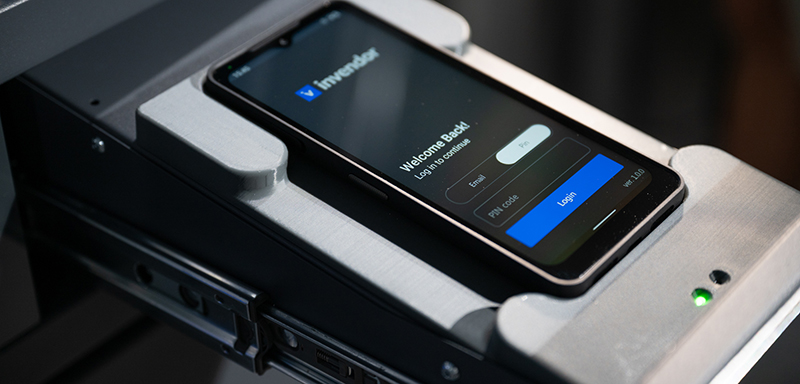
Close-up of a smart-device inside a shelf

Wireless charging for smartphones

  • Wireless charging keeps the local smartphone always ready
  • Smartphone is stored inside the drawer to keep the smartphone protected

Configuration options

  • up to 10 shelves per cabinet
  • 4 cm steps and shelf angles
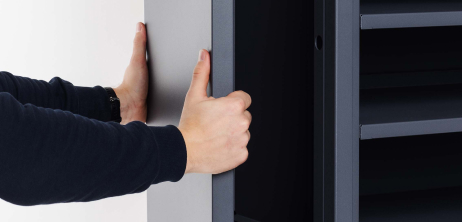
Two hands holding a dark gray panel.

Refurbish the cabinet with little effort
  • Changeable panels
  • Changeable doors and shelves

How it works

play icon
play icon

Advanced reporting & tracking

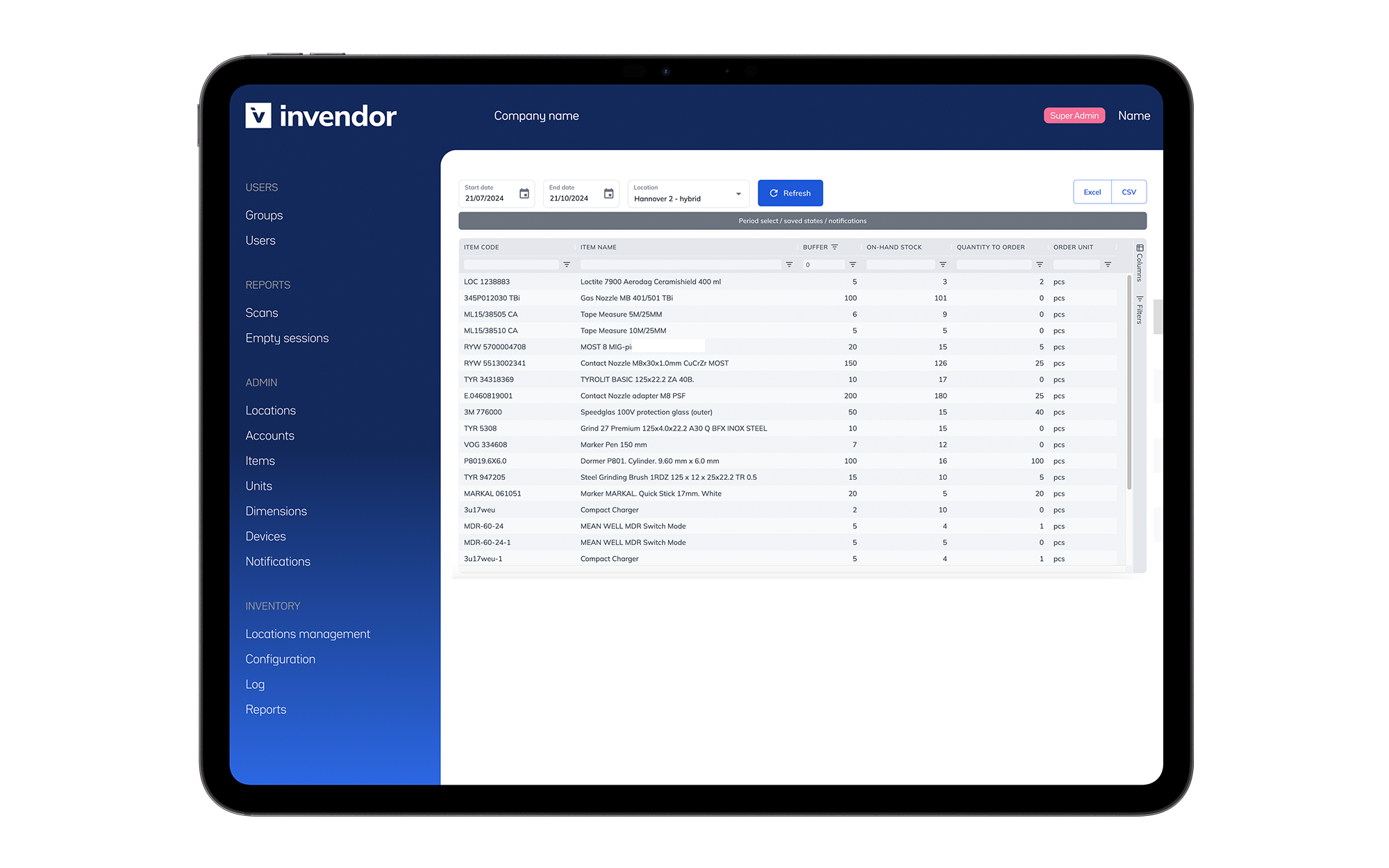
Get cabinet control and overview

  • Check the item consumption per user

Avoid unnecessary cabinet visits

  • Check the stock balance in advance from your smartphone

Keep the stock balance always optimal

  • Automatic replenishment and advanced reporting
Tablet screen displaying the Invendor web portal inventory management software interface, showing an inventory table with item codes, descriptions, and stock levels, alongside navigation options on a blue sidebar.

Technical Information

  • Cabinet dimensions (entire cabinet): 951 x 1902 x 474 mm (w x h x d)
  • Compartment dimensions (one door): 870 x 780 x 430 mm (w x h x d)
  • Access control: compatible with 13,56 MHz and 125 Khz tags
  • User management and door-based access
  • Configuration options: up to 10 shelves per cabinet
  • Adjustable shelf heights: 4 cm steps and shelf angles
  • Weight capacity: up to 60 kg per each shelf
  • Data connection: 4G, Wi-Fi, or LAN
  • Power supply: Standard 230 V plug
  • Remote monitoring and support
  • Net weight: 180 kg

Combine with other solutions

Capture Cabinet and Storeroom App

Store some goods outside the cabinet and register these with the same smartphone
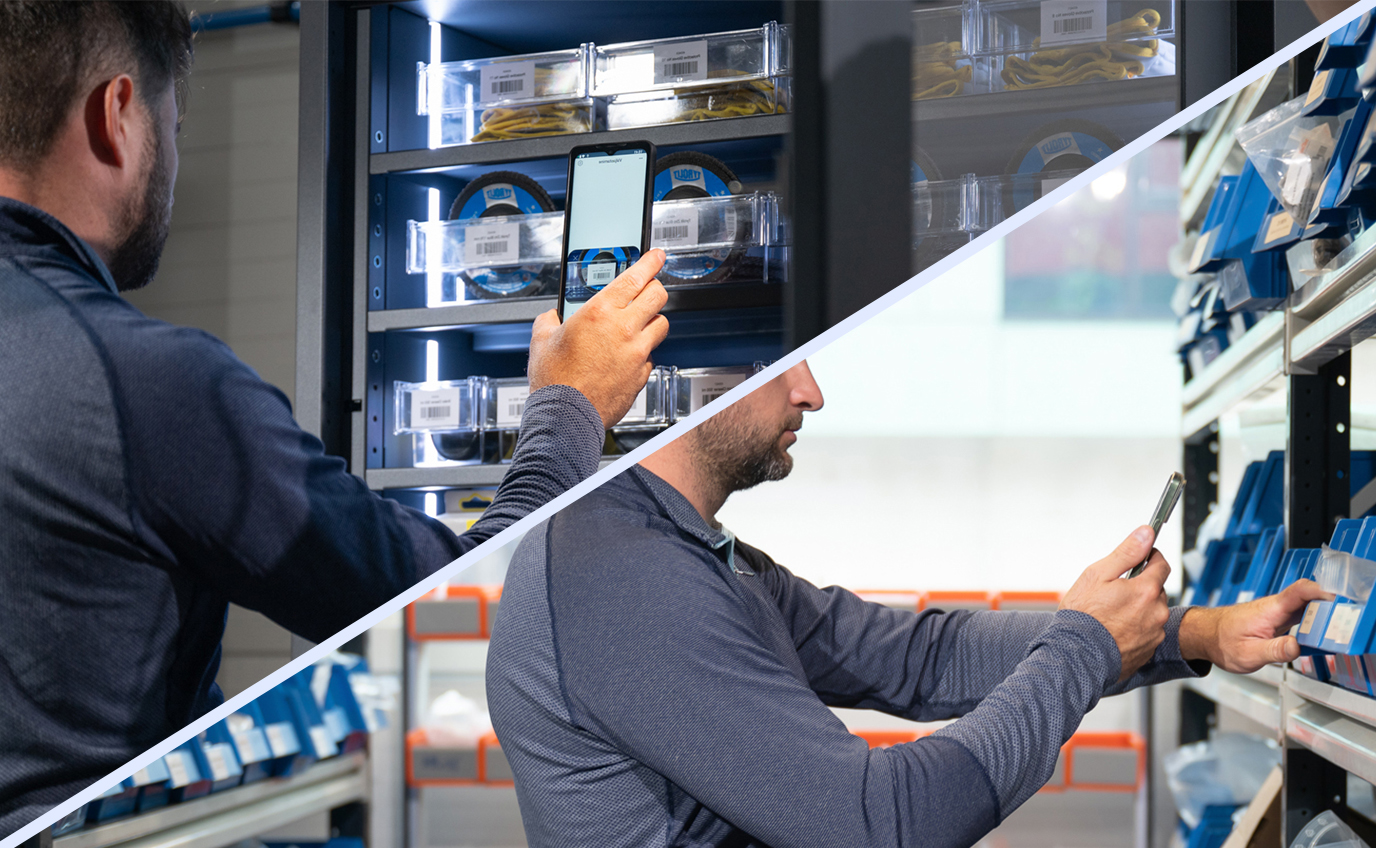
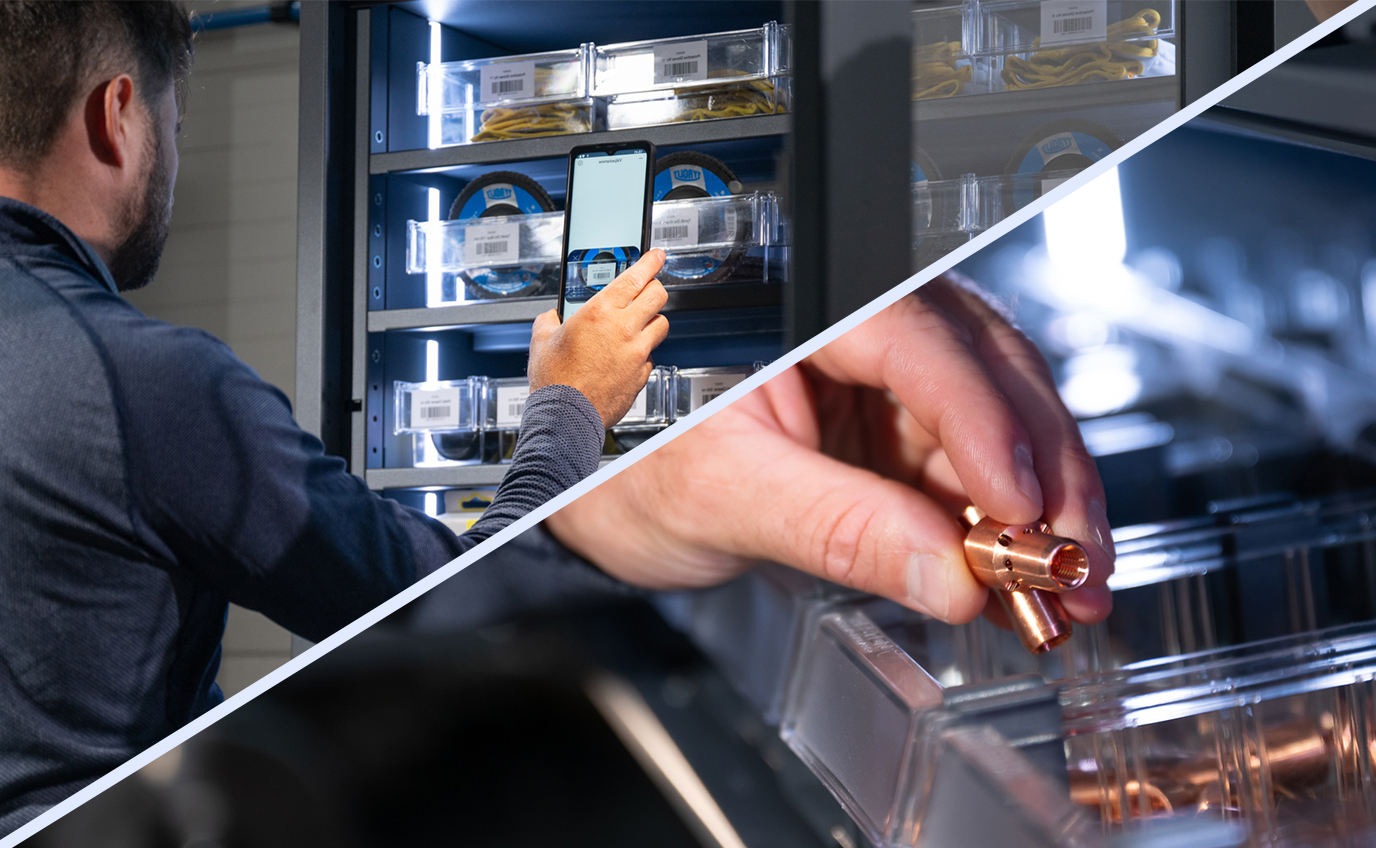
Capture and Gravity Cabinet combined

If some goods require more control, add (Gravity) weight sensors behind one door and keep the other door for smartphone scanning (Capture)
Our other solutions

Gray industrial vending machine branded 'Gravity' with multiple transparent compartments, featuring icons for card access and smart device functionality, highlighted by an icon above indicating weight-sensing feature.

Weight-sensing cabinet

Smartfone which display has Invendor logo on it and the text reads 'Welcome back! Log in to contunue. Login, PIN'

Smartphone-operated storeroom

Tablet screen displaying the Invendor inventory management software interface, showing an inventory table with item codes, descriptions, and stock levels, alongside navigation options on a blue sidebar.

Inventory optimizing software