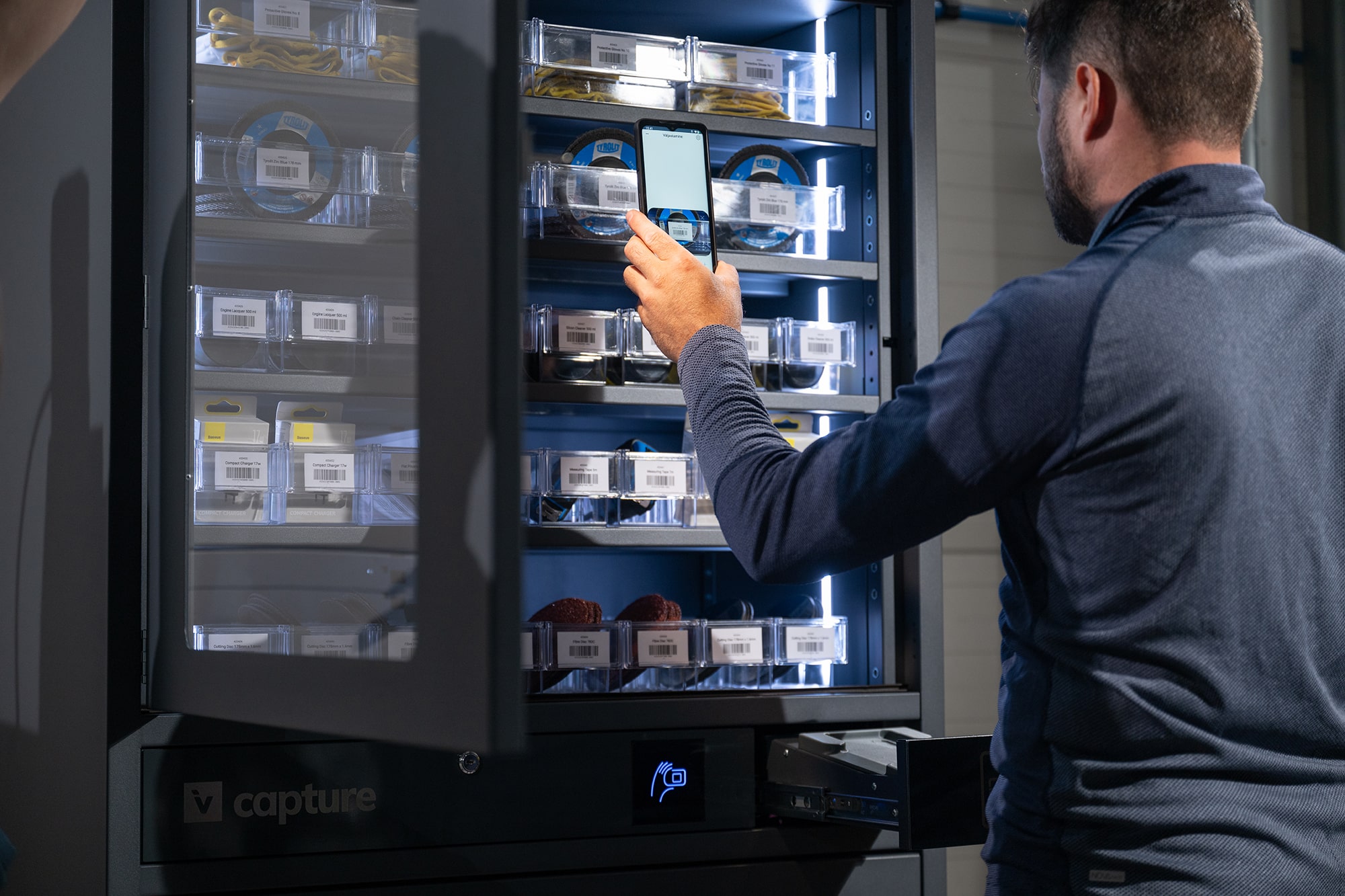
New Feature Available: Full Correction for All Invendor Products
We’re excited to introduce Full Correction – an advanced new feature designed to make your stock counting procedures faster, easier, and more accurate.
What is Full Correction?
Full Correction is built to ensure no product gets missed during inventory checks. Whether you’re using Invendor Gravity or managing a traditional warehouse, this tool simplifies the entire process from start to finish.
How it works:
- Open the Invendor app
- Select your location and start a Full Correction session
- On the Pending list:
- Swipe right to confirm correct quantities
- Tap to adjust any discrepancies
- Review your Confirmed list with clear visual indicators:
- Green – quantity matches
- Yellow – actual is higher than expected
- Red – actual is lower than expected
- Black – item is out of stock
For Invendor Gravity cabinet and warehouse-addressed items, the list is smartly ordered – from smallest to largest address or top-left to bottom-right for Gravity cabinets – ensuring an efficient workflow on-site.
Final step on the web portal:
After completing your session in the app, simply log in to the Invendor web portal to review the automatically generated journal. With one click on “Post”, your stock levels are updated – reflecting both expected and actual quantities.

Why it matters:
Full Correction is a smarter way to handle stocktaking.
- Saves time
- Reduces errors
- Gives you full control and clarity
Now available across all Invendor products. Try it out and experience the difference.
At Invendor, we’re committed to continuously improving our products to make your work easier, faster, and more convenient — every single day.