Storeroom App

Manage the usage of consumables, tools & spare parts in a storeroom environment with our smartphone app.

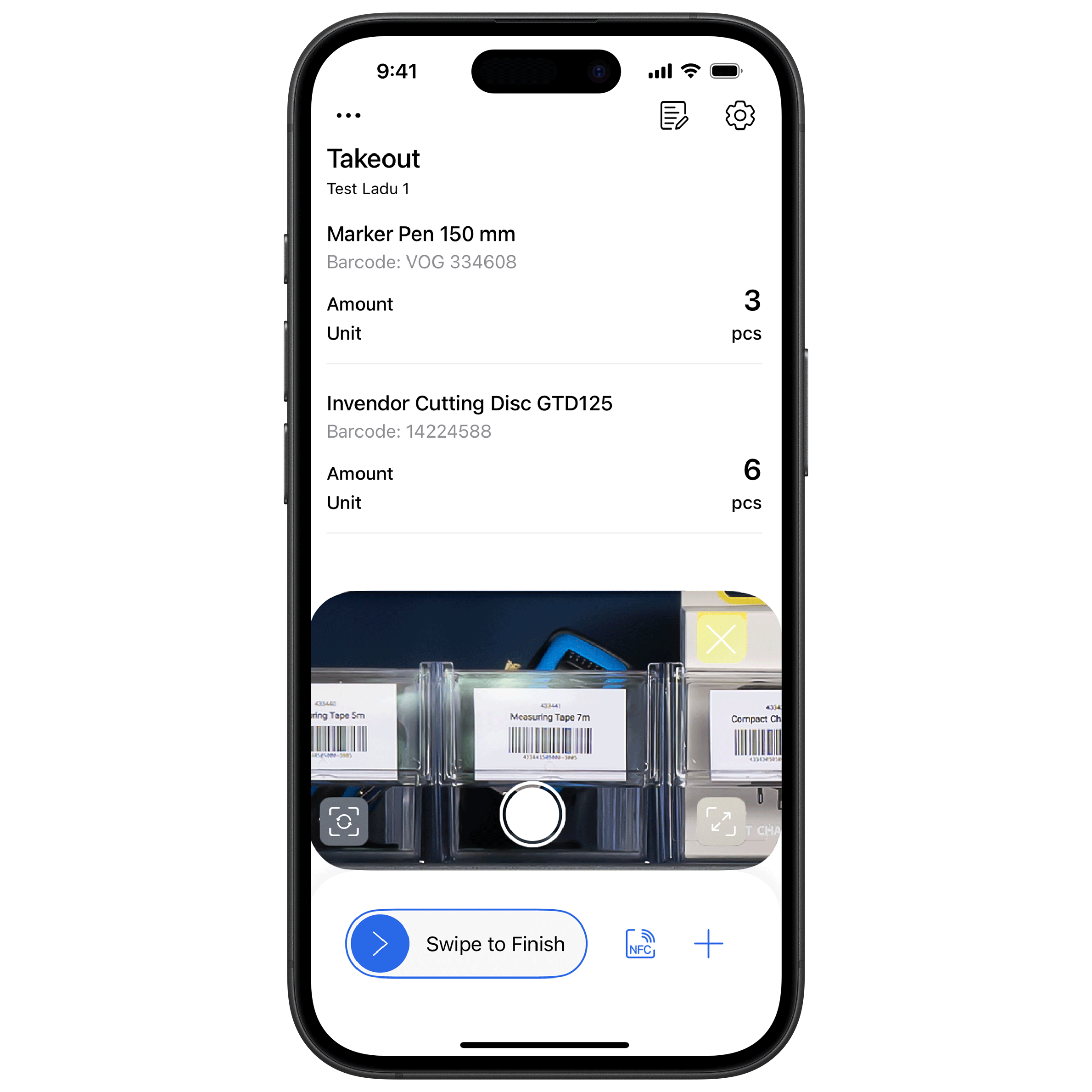
Inventory app showing items with quantities, barcodes, and a swipe-to-finish button.
CUSTOMERS
  • customer company logo
  • customer company logo
  • customer company logo
  • customer company logo
  • customer company logo
  • customer company logo
  • customer company logo
  • customer company logo
  • customer company logo
play icon

Multiple ways to register goods

  • Barcodes
  • QR codes
  • NFC tags
  • Item search
  • & Bluetooth Scanner connectivity
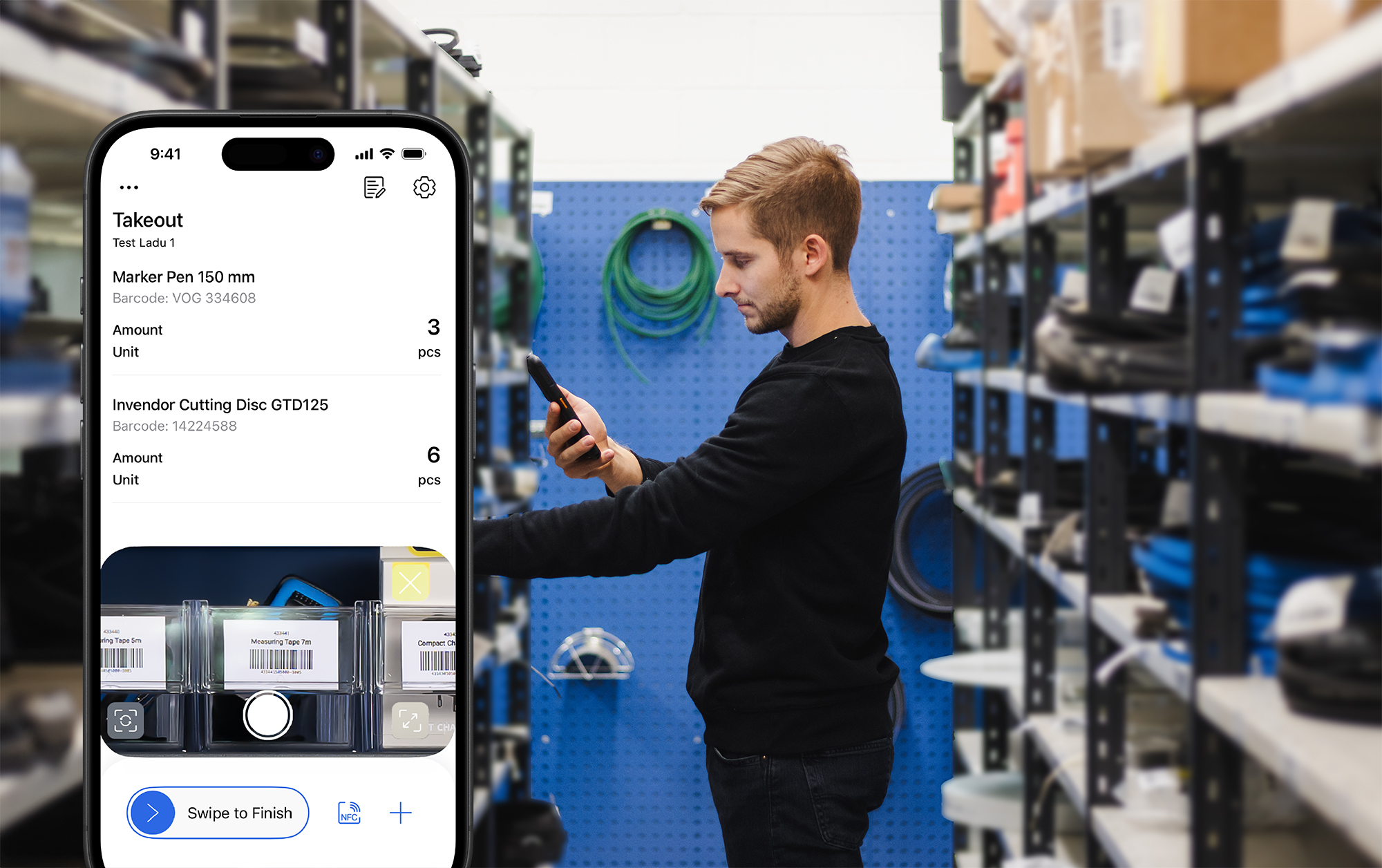
Man using an inventory app on his phone in a warehouse, with a smartphone screen in the foreground displaying items taken out and their details.

Use Storeroom App in various ways

Sell your goods from your customer's shelves

  • Prepare shelves where you store your goods
  • Create labels with barcodes or NFC tags
  • Download the Invendor smartphone app
  • Your customer registers consumption with the app
  • Refill the shelves when Invendor system notifies you
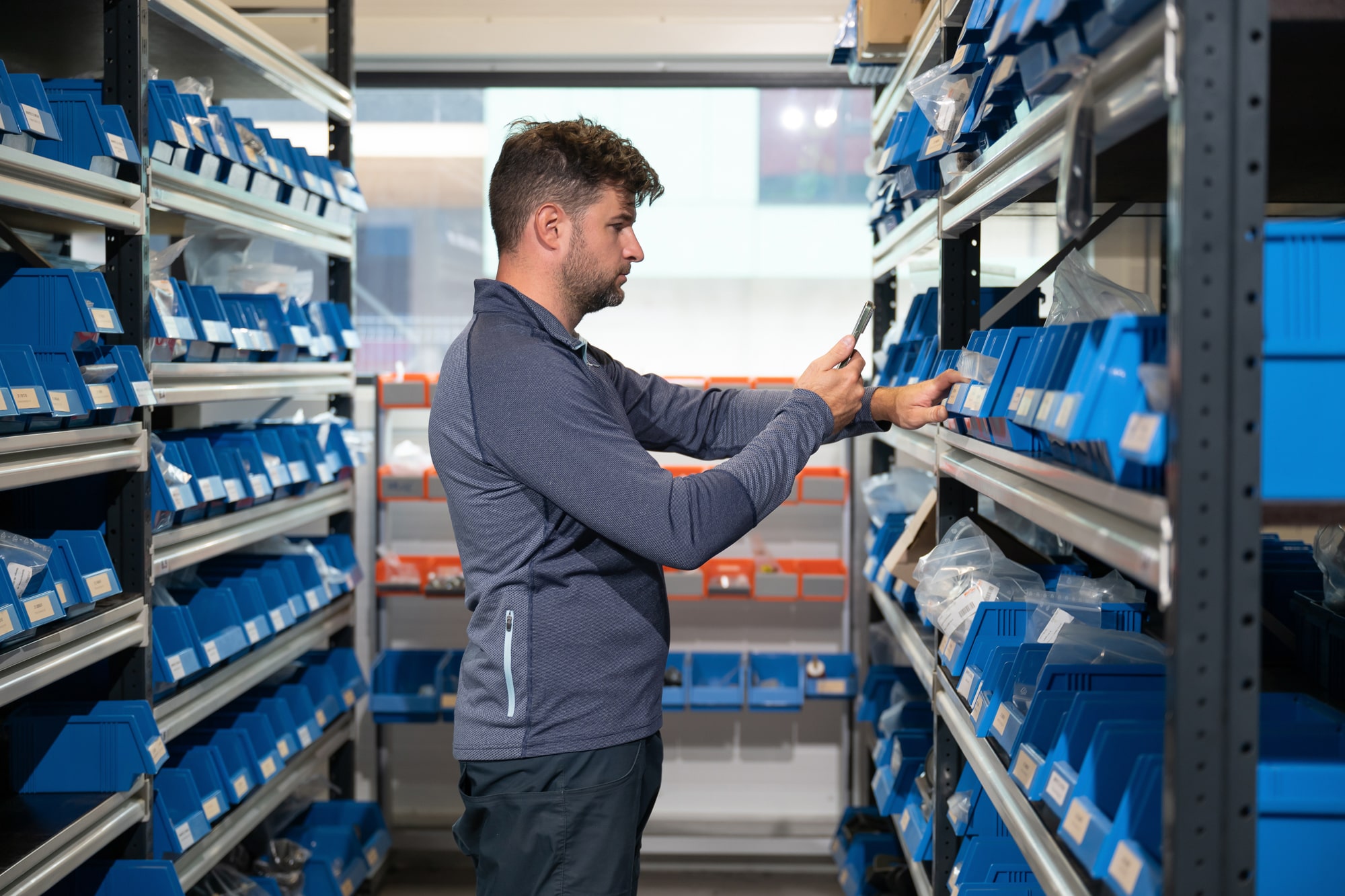
Hand holding a smartphone in a warehouse and scanning a barcode on a blue container.

Create your consignment stock in a container

  • Fill the container with your goods
  • Ask your customer to register consumption with the Invendor app
  • Get notified from Invendor when to replenish the container
  • Bill your customer periodically or when replenishing the container
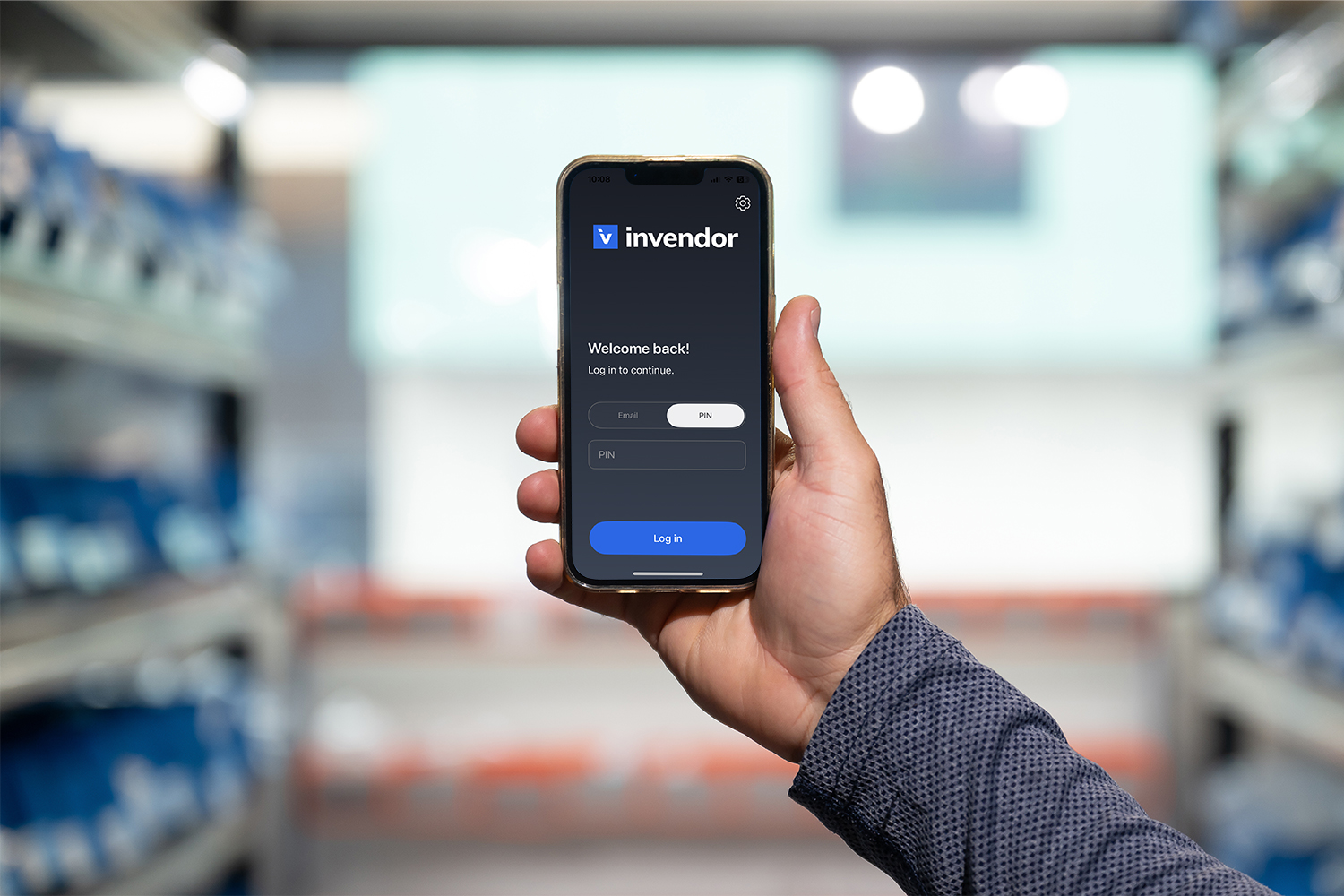
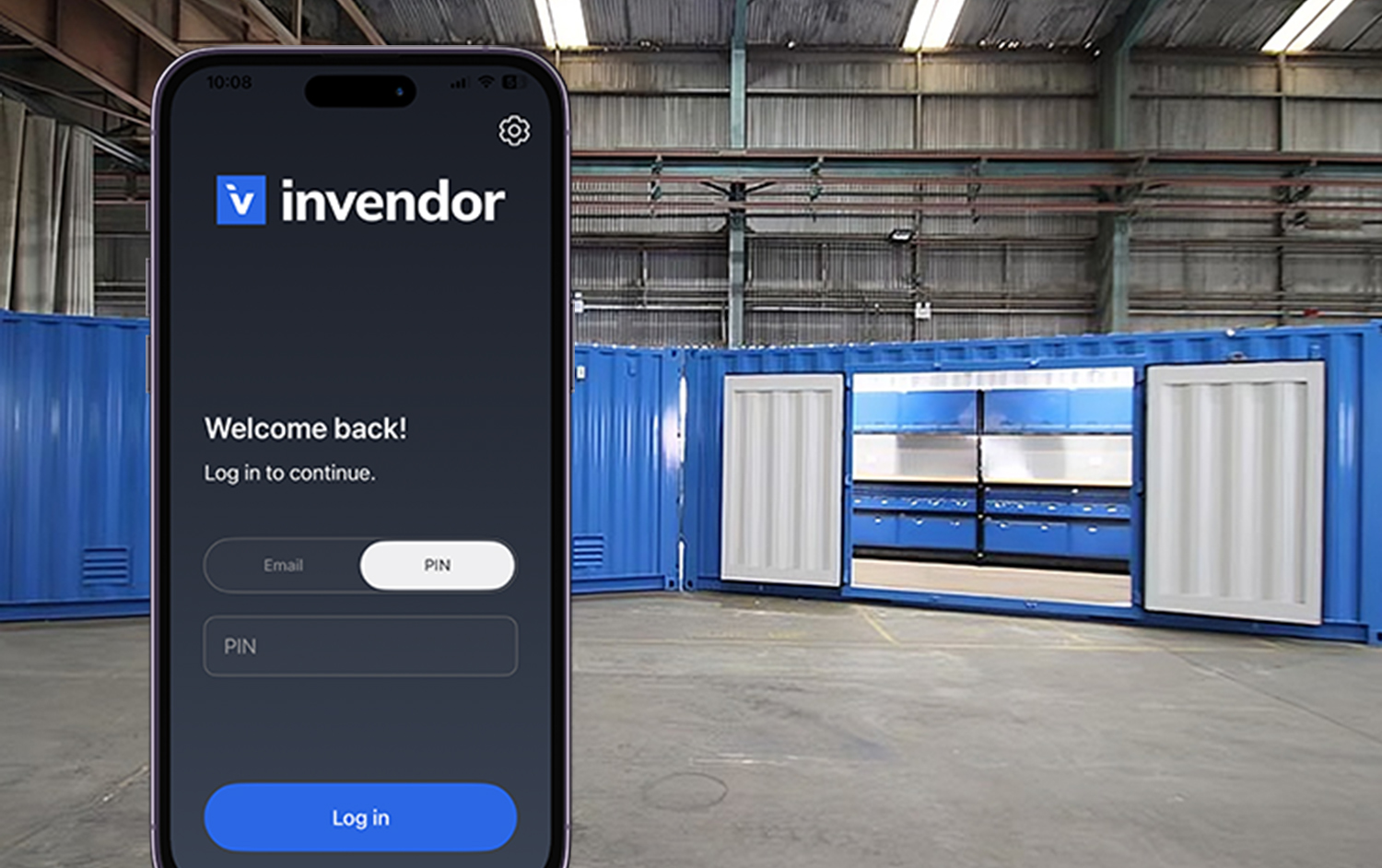
In the front is a smartphone displaying Invendor app login, in the background are seacontainers in an industrial environment.

Send and receive purchase orders from the shelves

  • Prepare shelves where you store your goods
  • Create labels with barcodes or NFC tags
  • Download the Invendor smartphone app
  • Your customer sends you purchase orders via Invendor app by scanning the goods
Man using an inventory app on his phone in a warehouse, with a smartphone screen in the foreground displaying items taken out and their details.

Advanced reporting & tracking

Storeroom control and overview

  • Check the item consumption per user

Avoid unnecessary storeroom visits

  • Check the stock balance in advance from your smartphone

Keep the stock balance always optimal

  • Automatic replenishment and advanced reporting

Access your inventory data anywhere, anytime

  • Manage your inventory remotely with our cloud-based web portal 
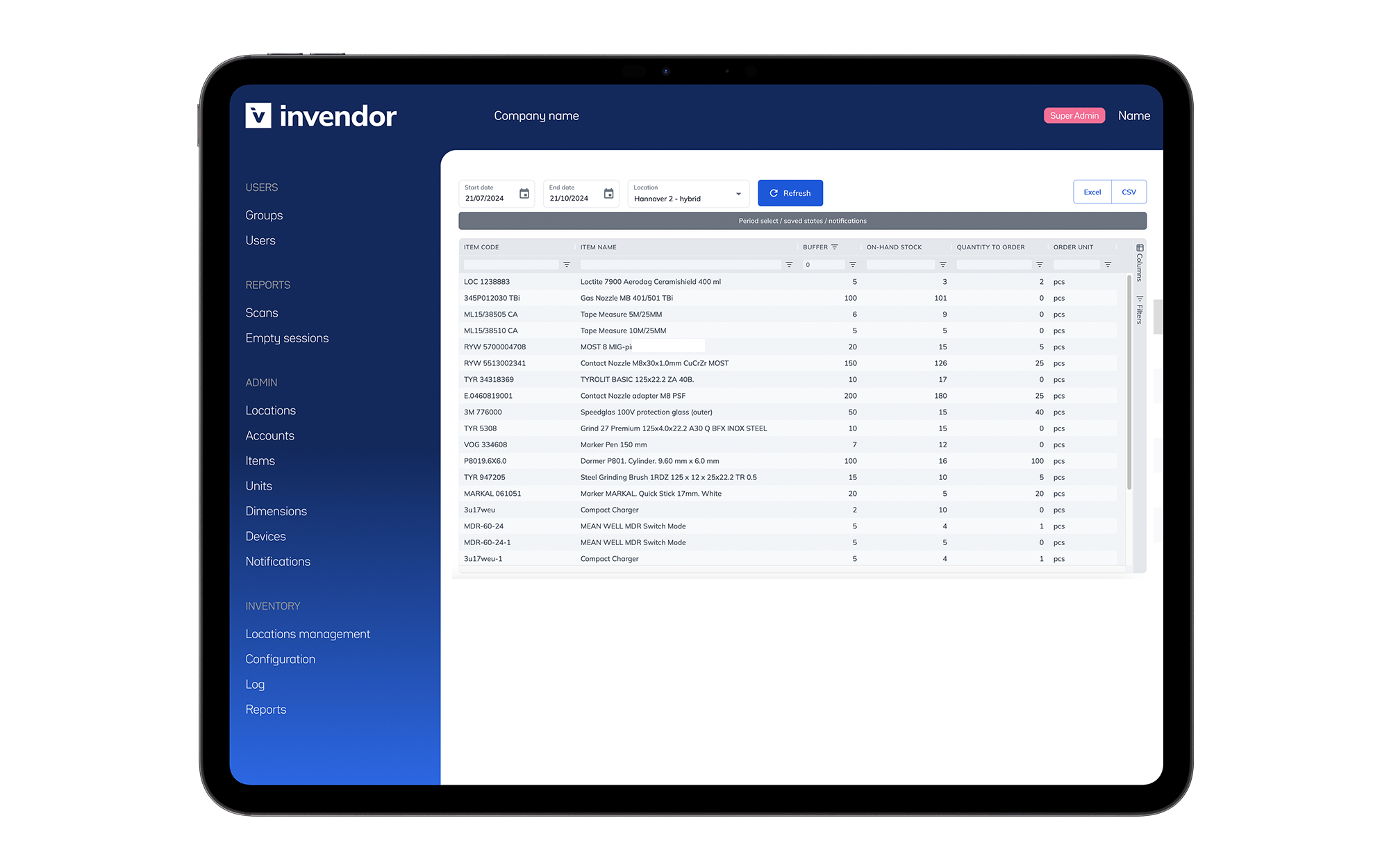
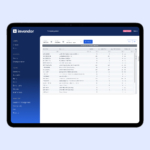
Tablet screen displaying the Invendor inventory management software interface, showing an inventory table with item codes, descriptions, and stock levels, alongside navigation options on a blue sidebar.

Try the Storeroom App Free for 14 Days

See how easy inventory control can be

  • Use any smartphone – no special hardware required
  • Add unlimited users and items – scale as your business grows
  • Assign roles – control who sees and does what
  • Attach additional info – like project or work order numbers
  • Optional Bluetooth scanner support – for even faster scanning
Hand holding a smartphone in an industrail setting, on the smartphone screen is Invendor's logo and login options.

Getting started is easy

  • Import your item master data
  • Add users and assign roles
  • Download the Storeroom app (iOS & Android)
  • Start scanning and managing inventory right away via the web portal
Hand holding a smartphone in a warehouse and scanning a barcode on a blue container.

Start Your Free Trial Now

Try Now

Our other solutions

Gray industrial vending machine branded 'Gravity' with multiple transparent compartments, featuring icons for card access and smart device functionality, highlighted by an icon above indicating weight-sensing feature.

Weight-sensing cabinet

Smartphone-operated cabinet

Tablet screen displaying the Invendor inventory management software interface, showing an inventory table with item codes, descriptions, and stock levels, alongside navigation options on a blue sidebar.

Inventory optimizing software